Building Real-Time Webhook Pipelines: Syncing ChatModel Inquiries to Make.com & CRM
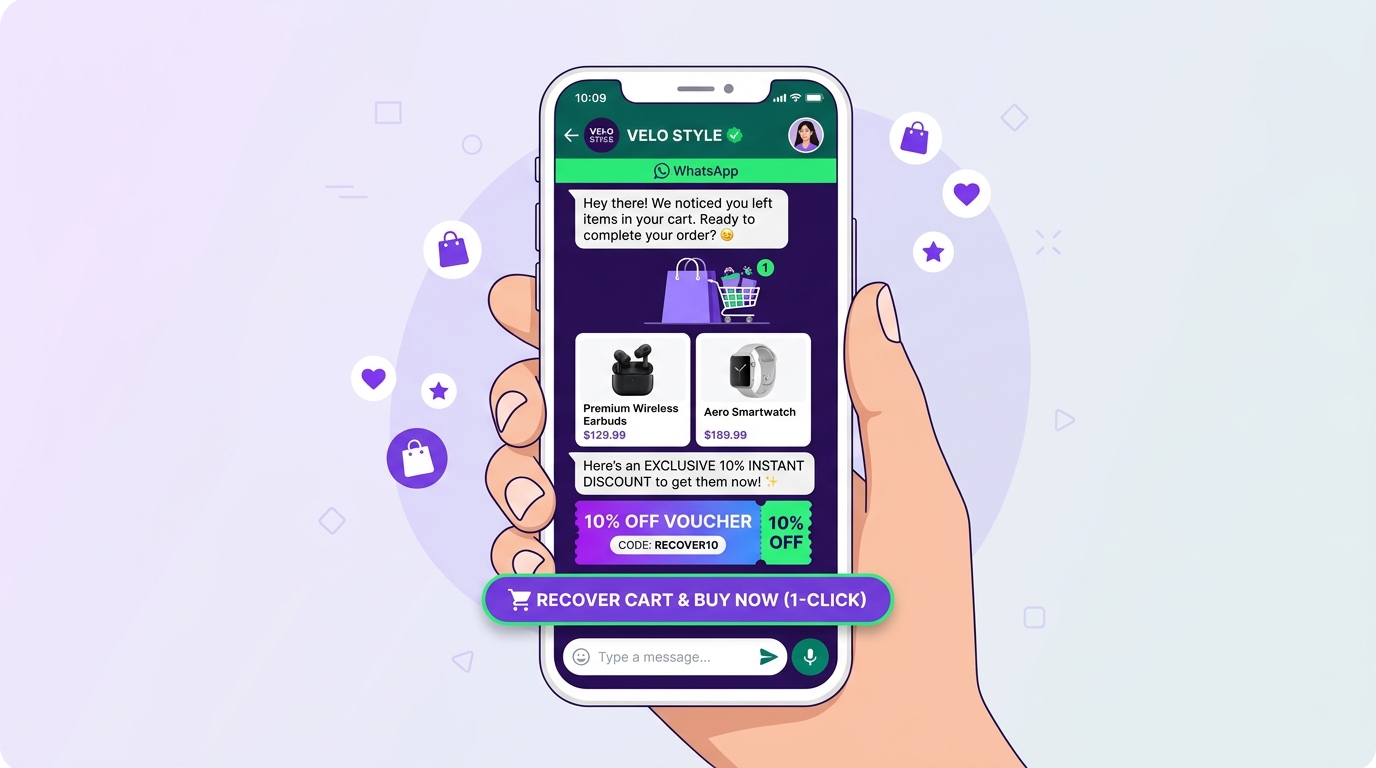
Capturing high-intent buyer inquiries through web and WhatsApp conversational assistants is only half the battle. If valuable lead data sits trapped in siloed chat logs while sales reps wait for manual exports, lead response velocity collapses. Building real-time webhook pipelines ensures every qualified conversation syncs instantly to your CRM, notification channels, and operational workflows.
The Hidden Cost of Delayed Lead Synchronization
Modern sales cycles run on immediate follow-up. When a qualified prospect provides their phone number, budget tier, and delivery timeline through a conversational agent, the clock starts ticking immediately. Waiting for scheduled batch imports or manual CRM entry creates friction that hurts revenue:
- Pipeline Latency: Leads contacted within minutes convert at rates up to 391% higher than those contacted after an hour.
- Data Fragmentation: Crucial qualitative context—such as specific product questions, objection tags, and customer sentiment—is frequently lost in copy-paste handoffs.
- Rep Friction: Sales development representatives (SDRs) waste valuable hours cross-referencing multiple dashboards rather than closing active deals.
"A conversational assistant that qualifies leads without an automated webhook pipeline is just a digital form in disguise. Real-time event transmission turns conversations into closed revenue."
How Webhook Pipelines Work with ChatModel & Make.com
Webhooks function as automated event notifications: when a specific action occurs within your conversational assistant (such as lead qualification completion or meeting confirmation), ChatModel sends a real-time HTTP POST payload containing structured JSON data directly to a listener URL on Make.com (formerly Integromat) or Zapier.
⚡ Anatomy of a Real-Time Lead Event Payload
When a lead is qualified, ChatModel transmits a structured JSON payload containing:
- Prospect Identifiers: Name, phone number, WhatsApp ID, and verified corporate email.
- Qualification Tags: Intent score, estimated budget bracket, target timeframe, and service tier.
- Executive Summary: An AI-generated bulleted synopsis of the conversation for rapid SDR briefing.
- Session Metadata: UTM parameters, referral source, page URL, and timestamp.
Step-by-Step Architecture: Connecting ChatModel to Any CRM
Setting up an end-to-end integration takes under five minutes with zero custom coding required:
- Configure the Custom Webhook in Make.com: Add a Custom Webhook module in your Make.com scenario and copy the unique target URL.
- Bind the Endpoint in ChatModel: Navigate to your ChatModel workspace settings, paste the webhook URL into the Integrations & Webhooks field, and select your trigger event (e.g.,
on_lead_qualifiedoron_booking_confirmed). - Parse & Normalize Data: Make.com captures the sample test payload, allowing you to map structured attributes like phone, email, and deal size directly into downstream nodes.
- Sync to CRM & Alert Teams: Connect destination modules—such as HubSpot, Zoho CRM, Salesforce, or Google Sheets—to update contact records, create deals, and dispatch instant Slack or WhatsApp alerts to the assigned account executive.
Comparing Chatbot Integration & Pricing Models
When selecting conversational automation infrastructure, enterprise teams must assess the technical scalability of the underlying chatbot software pricing. Integration flexibility directly impacts total cost of ownership:
| Chatbot Pricing Model | Webhook & API Inclusions | Best Suited For |
|---|---|---|
| Flat Subscription Pricing | Unlimited standard webhooks, bi-directional triggers, and pre-built Make.com/Zapier connectors. | Growing mid-market companies, SaaS businesses, and fast-scaling digital agencies. |
| Per-Action / Usage-Based | Tiered billing with incremental fees charged per webhook execution or API payload sent. | High-volume event ticket sales and low-margin direct-to-consumer e-commerce. |
| Enterprise Custom License | Dedicated IP endpoints, custom payload encryption, high-throughput rate limits, and SLA guarantees. | Healthcare chains, real estate syndicates, and BFSI platforms requiring SOC2 compliance. |
Choosing a platform with a transparent pricing subscription chatbot model ensures predictable overhead while supporting unmetered event triggers as inbound traffic expands.
Zero-Downtime Data Pipelines with ChatModel
ChatModel simplifies conversational infrastructure by combining advanced LLM dialogue flows with resilient, high-speed webhook relays. Whether syncing leads to HubSpot, logging orders in Zoho, or firing WhatsApp templated confirmations via Meta Cloud APIs, your data flows without delay.
Automate Your Lead-to-CRM Pipeline
Eliminate manual data entry and connect your conversational lead funnel directly to Make.com, Zapier, and your internal sales tools in minutes.
Frequently Asked Questions
What happens if Make.com or the receiving CRM goes down temporarily?
ChatModel utilizes built-in exponential backoff retry logic. If the endpoint responds with an error code (such as 500 or 503) or times out, the payload is queued and safely resent over subsequent intervals to prevent lead leakage.
Do I need a paid Make.com or Zapier plan to sync ChatModel webhooks?
Basic workflows can run on free starter tiers, but businesses handling thousands of monthly qualified inquiries typically use standard paid tiers to support higher operation counts and multi-step data routing.
Are webhook payloads encrypted during transmission?
Yes. All webhook calls are dispatched via secure HTTPS protocol with support for signature verification headers, allowing recipient servers to authenticate incoming data safely.
Related Articles & Guides
View all articles →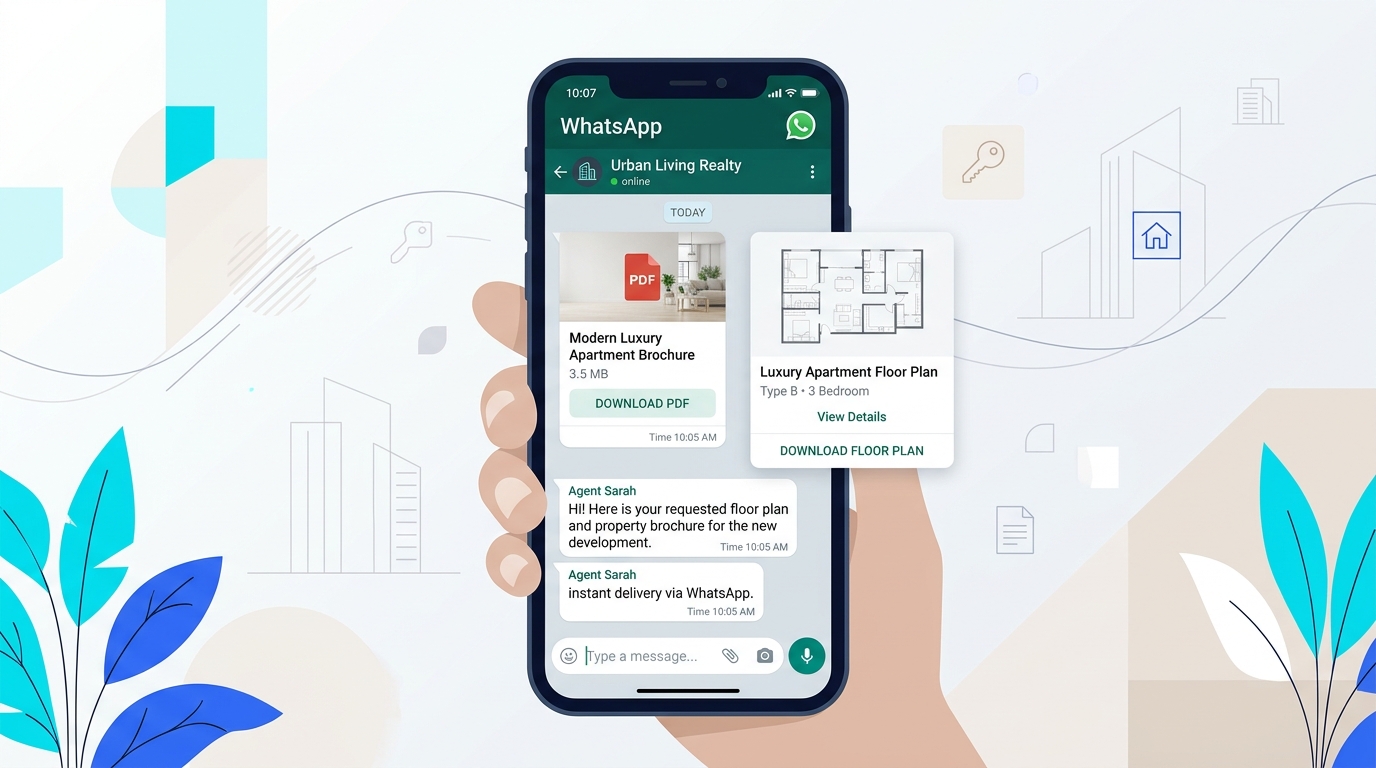 AI & Automation
How Conversational AI & WhatsApp Automation Boost Conversion by 300% for Indian Businesses in 2026
Discover how Indian businesses are replacing sluggish lead forms with 24/7 intelligent conversational assistants, slashing drop-off rates and closing high-intent inquiries in seconds.
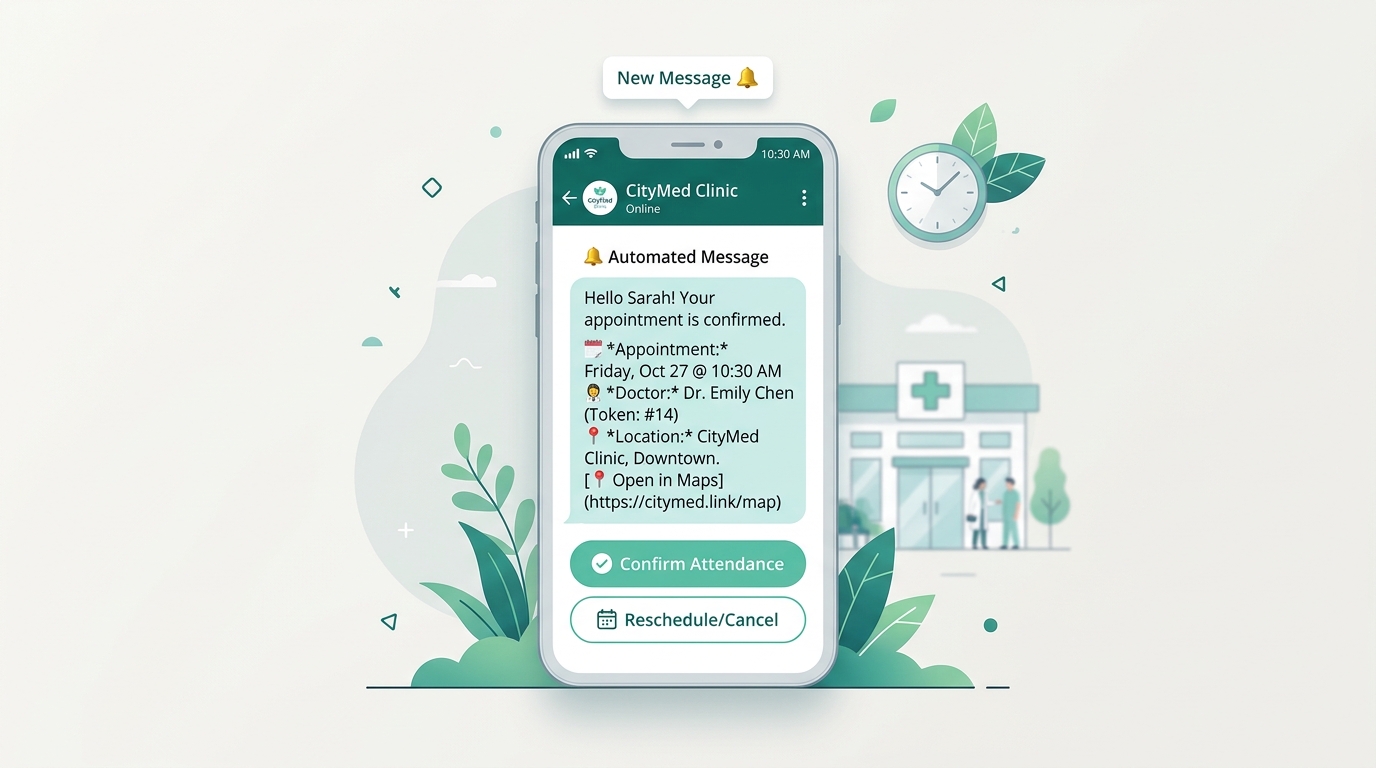 Case Studies
How Leading Dental & Aesthetic Clinics in Mumbai & Delhi Automated 80% of Patient Appointments
A deep dive into how high-volume aesthetic clinics slashed front-desk phone overload and eliminated patient no-shows by 45% using ChatModel conversational booking assistants.
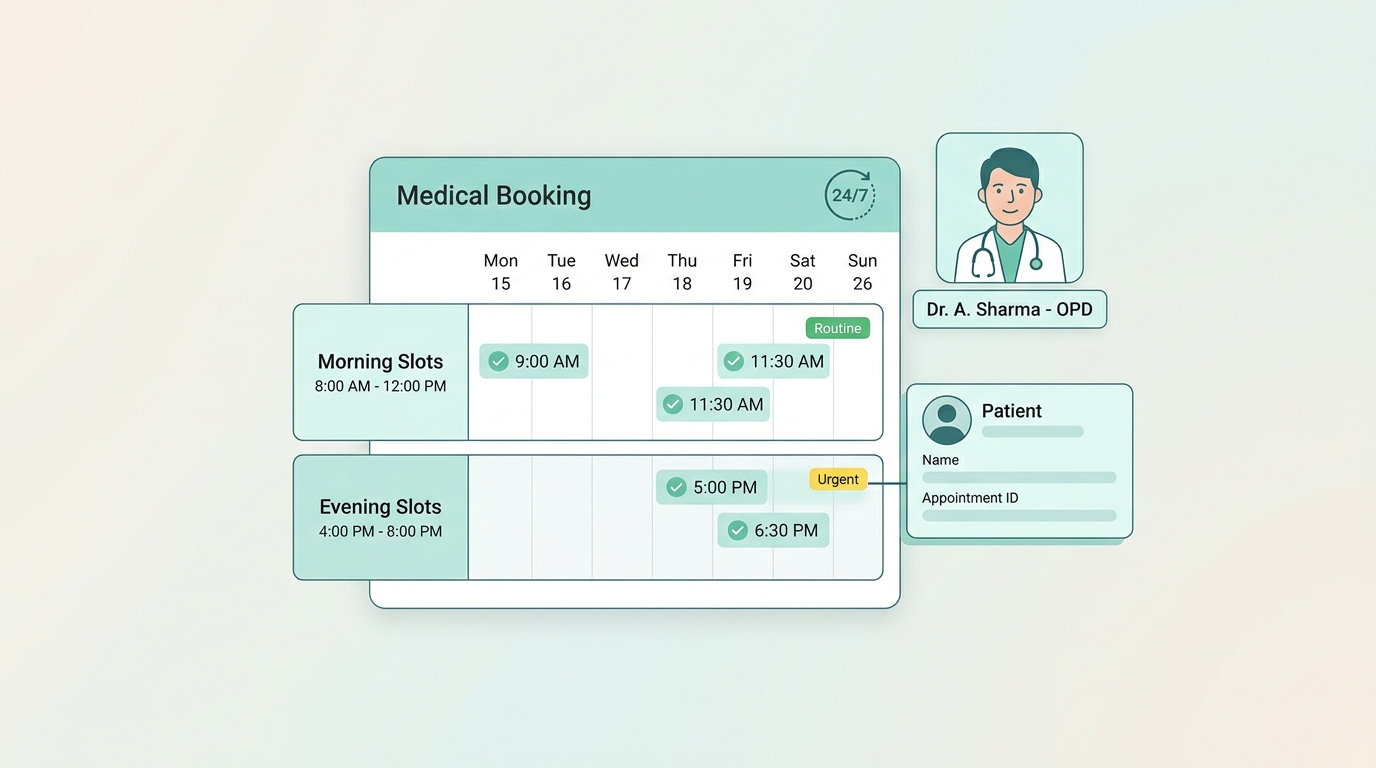 Research & Trends
The 2026 Indian Lead Response Velocity Report: Benchmark Data Across 12 Sectors
Explore benchmark data across 12 Indian commercial sectors revealing how sub-60-second conversational WhatsApp responses lift qualified sales conversions by over 300%.